DFL and Tango
The current DFL
release
adds support for Tango,
a cross-platform open-source software library.
Now you can create powerful GUIs with DFL and use the revolutionary Tango library;
Tango and DFL, together at last!
Go ahead and download and install DFL
and Tango,
following the necessary setup instructions.
It is recommended you get ReBuild.
Using build/bud or lib files has proven to be problematic.
An example command to create a DFL + Tango application is:
rebuild -dc=dmd-win-tango -Ic:\dmd\import -debug -L/exet:nt/su:windows:4.0 file.d
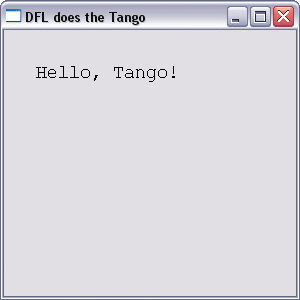
The first DFL and Tango executable:
Notes:
-
Important note:
If using the DMD binary packaged with Tango,
you will need to get the lib files from
DMC's
dm\lib directory and place them in your dmd\lib directory.
-
There is a separate directory for Tango examples; packages\dfl\examples\tango
-
DFL's Picture class is not yet available when using Tango
(update)
-
There are a few
versions
for Tango.
|